Physical Address
96B Grimmer Road, Hamilton Waikato 5810
Physical Address
96B Grimmer Road, Hamilton Waikato 5810

Last checked 18 November 2026 against the official GrapheneOS usage guide, FAQ and attestation compatibility guide. App compatibility changes as app developers update their checks, so treat this as a way to check your own apps, not a permanent verdict.
GrapheneOS is a privacy and security-hardened version of Android that runs on Google Pixel phones. It is the first recommendation in most privacy circles, and for good reason. But the question that decides whether it works for you is rarely about security. It is much more ordinary: will my banking app, my payment app and my notifications still work?
The honest answer is: most apps work, some well-known apps refuse to run, and the only way to know about yours is to check before you switch. Here is what to check first.
GrapheneOS does not banish Google Play. It offers “sandboxed Google Play”: the official Google Play services and Play Store, installed as ordinary apps inside the standard app sandbox, with no special privileges. On stock Android, Play services sits deep in the system with elevated access. On GrapheneOS it is just another app that needs your permission like any other.
According to the project’s usage guide, the result is “near complete compatibility” with apps that depend on Google Play. The Play Store itself is fully functional, including in-app purchases, and apps install and update normally. You install Play services per user profile, so you can keep one profile with Play for the apps that need it and another without.
For everyday use this means your messaging, navigation, streaming and shopping apps almost always install and run as usual, including push notifications for apps that deliver them through Play services.
This is where switching can genuinely break something. Some banking and payment apps use Google’s Play Integrity API to decide whether they trust your phone. Apps can use that API to permit only the manufacturer-approved OS, and when they do, GrapheneOS is blocked – not because it is less secure, but because the app has not whitelisted it.
GrapheneOS maintains a public list of apps that currently block it this way. At the time of writing it includes apps readers here will recognise: PhonePe (which the project notes works if you join the app’s Beta channel on the Play Store), Saudi Arabia’s mada Pay, Australia’s myGov, Singapore’s Singpass and Authy, among others. The list changes as developers update their policies, so check the current version before making decisions.
The project’s answer for developers is Android’s hardware attestation API, which can verify a phone is running genuine GrapheneOS just as reliably as Play Integrity verifies stock Android. GrapheneOS publishes a compatibility guide for app makers and encourages users to send it to any bank whose app refuses to run. Several banks have added support this way, but many have not.
Practical rule: before you install GrapheneOS on your daily phone, list the apps you cannot live without – your bank, your payment app, your work apps, any government ID app – and check each one. The community-tested compatibility reports and the app’s own support channel are better sources than any general claim, including this article.
Tap-to-pay depends on the payment app’s own integrity checks, not on GrapheneOS itself. Payment apps that require Google’s strictest integrity verdict will not run unless the developer whitelists GrapheneOS. The official list of blocking apps includes at least one NFC payment app (mada Pay), so do not assume your tap-to-pay setup survives the switch. Verify your specific wallet or bank app first.
Apps that push notifications through Google Play services deliver them via sandboxed Play on GrapheneOS, as long as Play services is installed in the same profile as the app. If you choose to run a profile without Play services, apps in that profile that depend on Play for push will not receive notifications in the background. The fix is simply to install sandboxed Play in the profile where you want notifications to arrive.
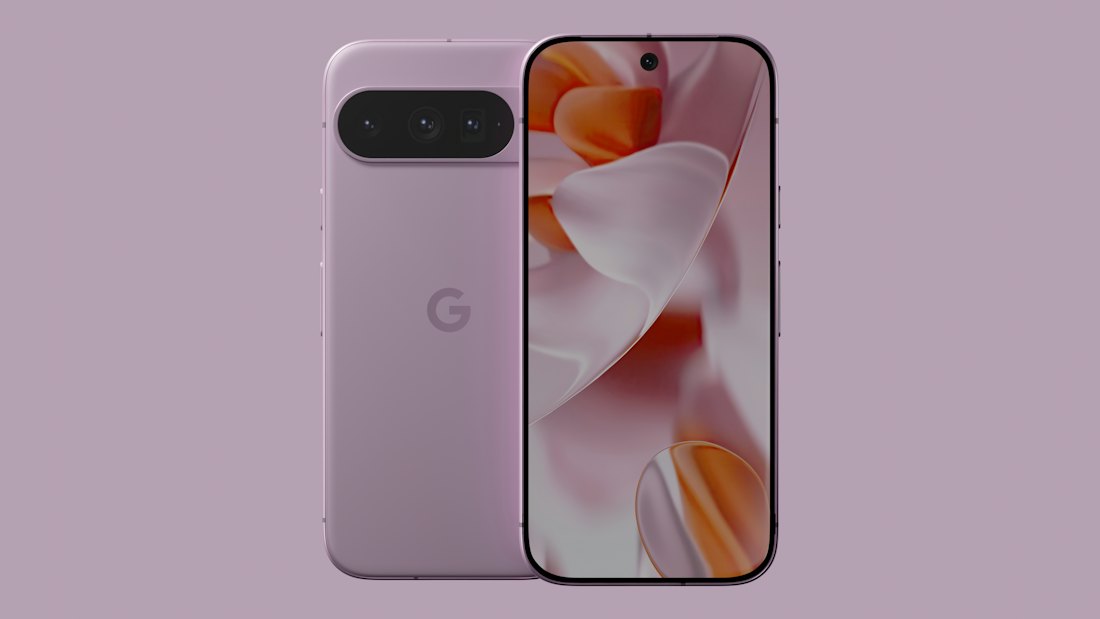
GrapheneOS only runs on Pixels, and not forever. The current production support list spans the Pixel 6 series through the Pixel 10 series, plus the Pixel Fold and Pixel Tablet. Two things to know before buying a phone for it:
GrapheneOS is no longer a hobbyist compromise for most people. But “most apps work” is not the same as “your apps work” – and the ten minutes of checking above is what separates a smooth switch from a locked bank account on a Monday morning.
Sources: GrapheneOS Usage guide – sandboxed Google Play · GrapheneOS FAQ – device support and update guarantees · GrapheneOS attestation compatibility guide and list of apps that block it · GrapheneOS installation guide – supported and carrier-variant devices
Related on Elvion Pulse: November 2026 Pixel Drop: Pixel 10 AI features, Highlight updates and rollout limits · OriginOS 7 (Android 17): official India rollout timeline for Vivo phones